NX2Apple 1.4.0 overhauls its launcher and adds a console mode to play Switch games on iPhone and iPad
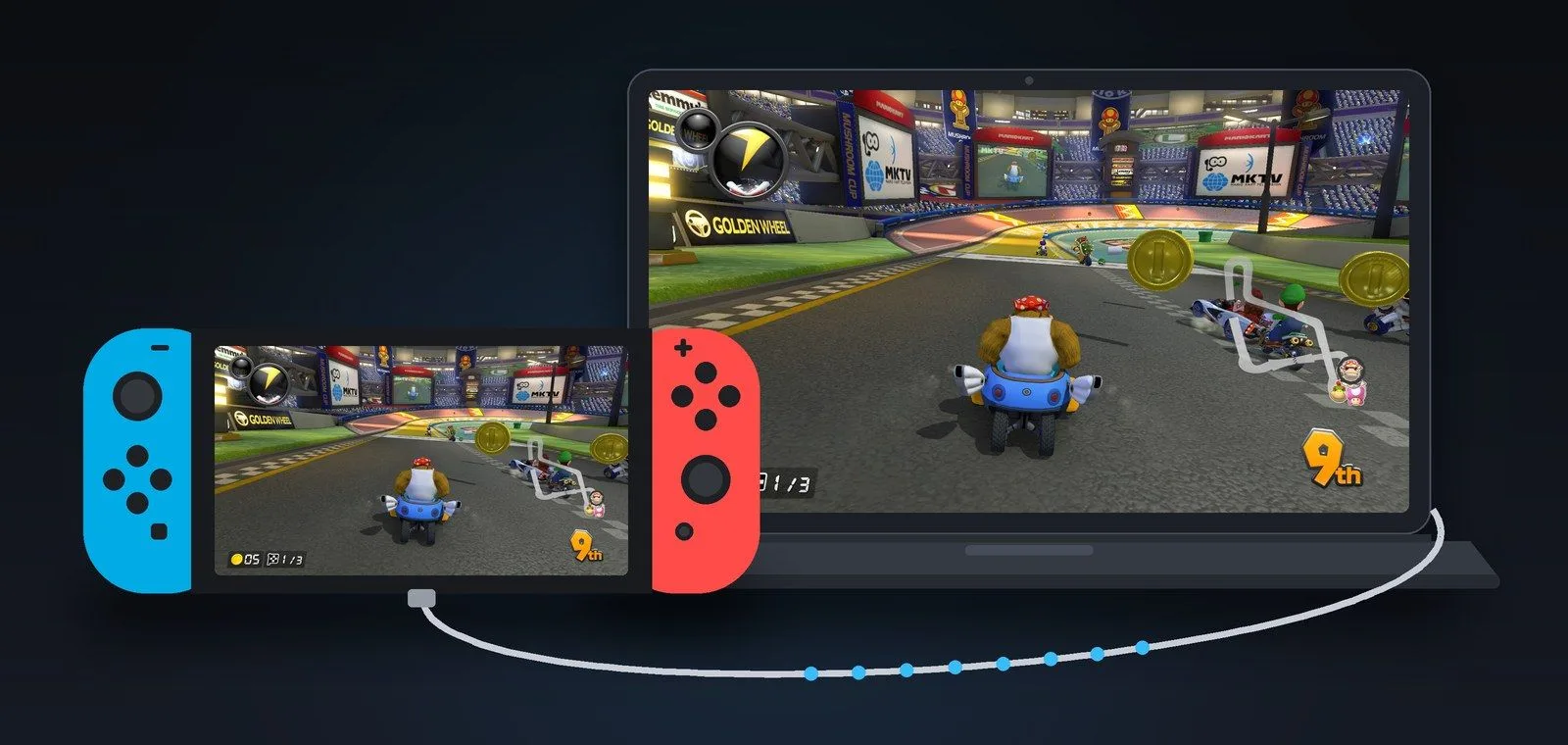
NX2Apple builds an iOS app from your own Switch games so you can run them on an iPhone or iPad. Version 1.4.0 reworks the launcher and adds a console mode, cloud saves and more languages. It needs a Mac or Windows PC and your own copy.
What NX2Apple is
NX2Apple is a macOS and Windows app that builds an IPA from your own Switch games so you can play them on an iPhone or iPad. Its author insists it is not an emulator: it relies on the nxnative project. The repository, licensed MIT, was created on October 20 and has over 6,700 stars. Switch 2 games load from a folder or a .nup file.
What is new in 1.4.0
Version 1.4.0 came out on November 12, and 1.5.0-rc1 appeared as a prerelease the same day. The launcher has been rebuilt: light or system appearance, a staged build queue, a button to install the games already built, game data transfers, save import and export, players, and a choice when there is a cloud save conflict.
There is a console mode meant for playing from the couch and a list of supported games. Spanish, Korean and Brazilian Portuguese are added, along with a game mode on macOS. The app now runs preflight checks on keys and disk space, and explains Apple's error 9120, which comes from the limit of 10 app IDs per week on free accounts.
On the iPhone and iPad, the interface adds a touch button you can hold or toggle, a badge for Switch 2 games and a Steam Link fallback. Engine versions are updated, .NET is no longer needed and the Joy-Con are fixed.
What you need
A Mac or a PC, your own copy of the games and an Apple account to sign the app. The README says Switch 2 games do not need prod.keys, although the 1.4.0 notes mention key checks. If something does not add up, follow the repository's instructions.
We do not link to games or keys, and the project includes none.
Free Apple accounts are limited to ten app IDs per week.